Multi-port capture
Connect to one or more RSDS ports concurrently. Each port reconnects independently, so one disconnected stream does not block the others.
Capture multiple CameraRSI streams from CarMaker / MovieNX over RSDS TCP and save segmented video, simulation-time image samples, logs, and complete session records. Optional GPU encoding is probed automatically and can safely fall back to CPU.
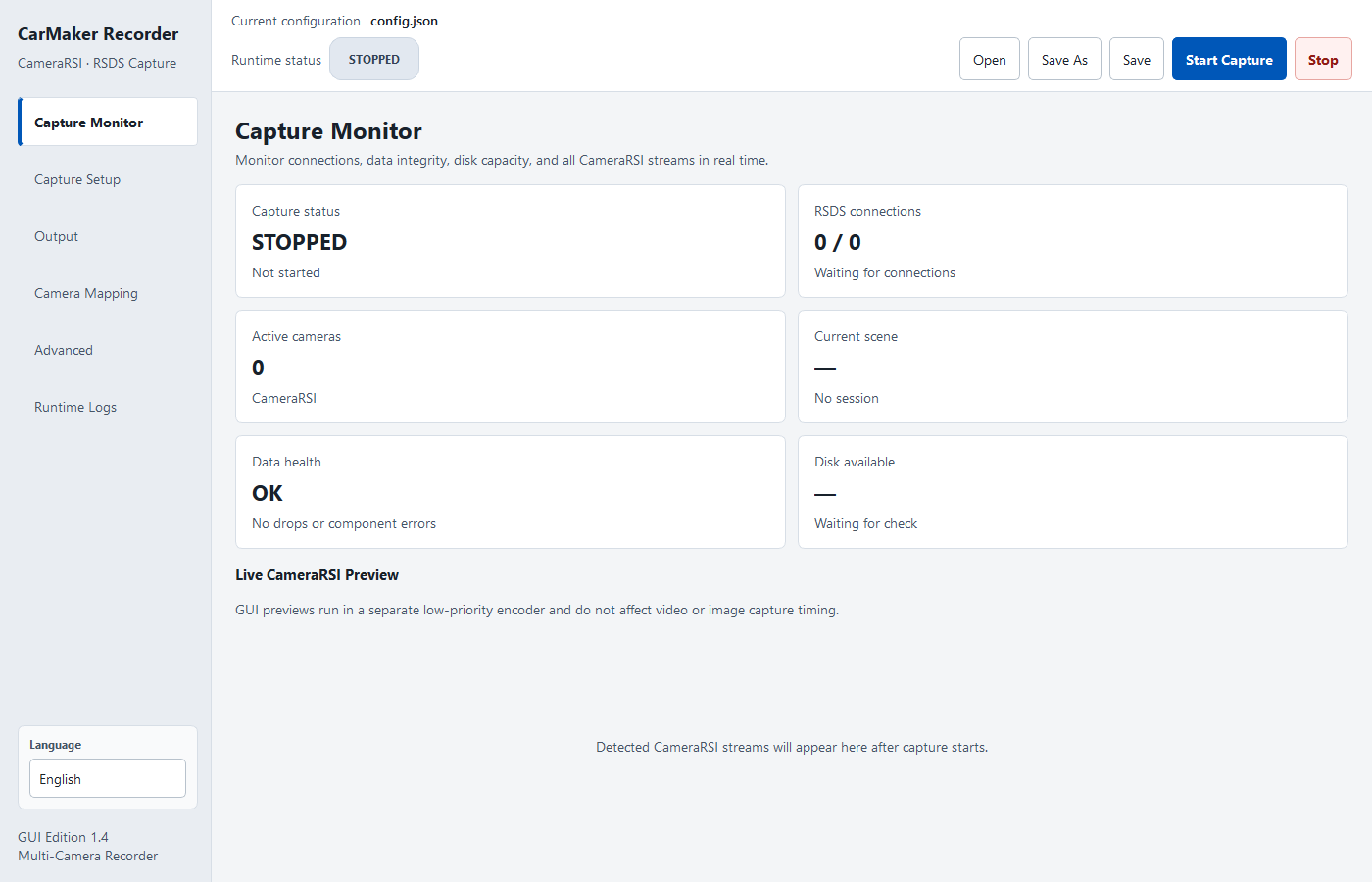
A session is created only after the first valid frame, while every connection, camera writer, and fallback state remains visible.
Connect to one or more RSDS ports concurrently. Each port reconnects independently, so one disconnected stream does not block the others.
Probe NVIDIA NVENC, Intel QSV, and AMD AMF; select a backend explicitly or allow automatic fallback to OpenCV CPU encoding.
Save still images by each CameraRSI stream's simulation clock, independent of GUI preview refresh timing.
Observe throughput, queue high-water marks, dropped frames, writer health, and available disk space.
Each session_manifest.json records configuration, time range, camera statistics, fallback states, and the selected backend per camera.
The PySide6 GUI detects the device language on first run, saves the choice, and switches live. Automation and remote workflows can use the CLI.
Network receive, parsing, buffering, and writing are separated. Native BGR frames are exposed as read-only NumPy views to reduce redundant payload and frame copies.
CameraRSI streams are exposed over one or more TCP ports.
Validate message boundaries, constrain payload sizes, and reconnect.
Parse images, camera IDs, and simulation timestamps.
Select hardware or CPU encoders and write videos and images.
Collect Videos, Images, logs, and the manifest.
These images come from the open-source application's interface and captured output; they are not generated mockups.
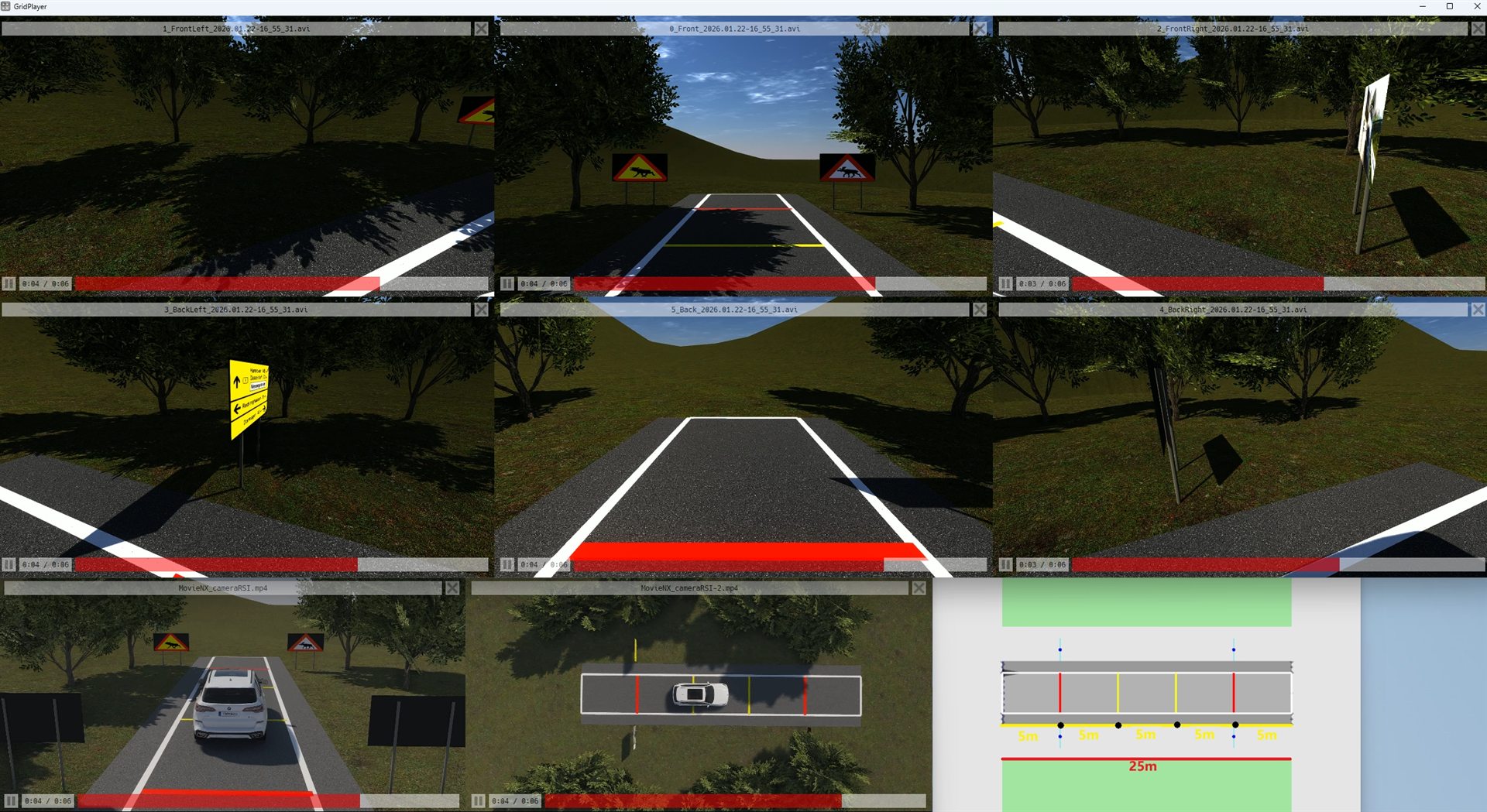
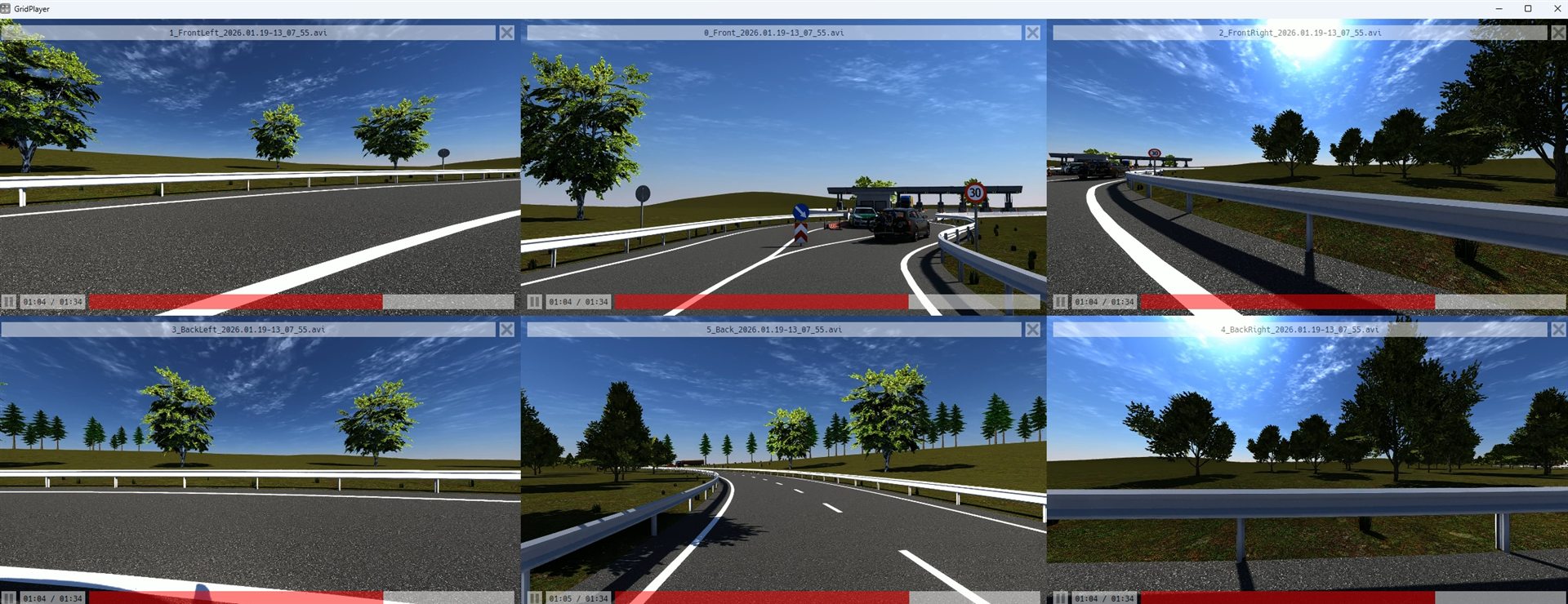
Requires Python 3.10 or later and CarMaker / MovieNX configured to output CameraRSI streams.
git clone https://github.com/Xzeng666/IPGCarMaker_Camera_Recorder.git
cd IPGCarMaker_Camera_Recorder
.\scripts\windows\start_gui.batgit clone https://github.com/Xzeng666/IPGCarMaker_Camera_Recorder.git
cd IPGCarMaker_Camera_Recorder
chmod +x scripts/linux/*.sh
./scripts/linux/start_gui.shrequirements-core.txt and run python run.py --config config.json. Use python run_gui.py --config config.json for the GUI.The default config.json uses schema v5. Unknown or missing fields fail early instead of being silently ignored.
carmaker_videos/
├── logs/
│   └── recorder-YYYYMMDD.log
└── YYYY.MM.DD-HH_MM_SS_mmm-scene-NNNN/
    ├── Videos/
    ├── Images/
    └── session_manifest.json
The session directory is created only after the first valid CameraRSI frame.
This is an independently developed open-source tool and is not affiliated with or endorsed by IPG Automotive GmbH. CarMaker and MovieNX are trademarks of their respective owners.